Cloud subscription

You do not have your own cloud subscription, but would like to create cloud resources directly in oneclick™?
Using the cloud licence via oneclick™ is a convenient way for implementing simple projects. You can create a subscription on the oneclick™ platform to the cloud providers that are available for you.
You are billed directly by oneclick™ for the costs of the cloud infrastructure usage and not by the cloud provider itself. The cloud usage costs cannot be estimated in advance. Please note the prices of the cloud provider for this.
If you want to manage complex projects where VMs have multiple networks or network security groups, it is more practical to create a separate subscription. This gives you access to the console of the cloud provider, which is not possible via the oneclick™ subscription. When creating your own subscription, start at Connect cloud resources.
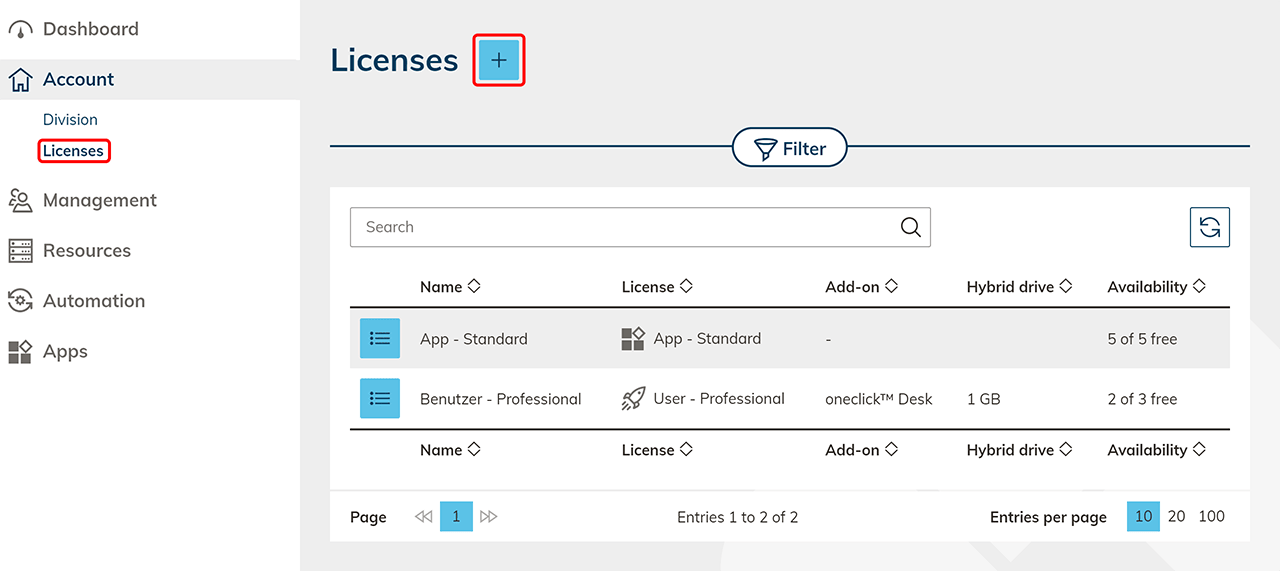
- In the Account tab click on Licenses and then click the Plus icon to create a new license.
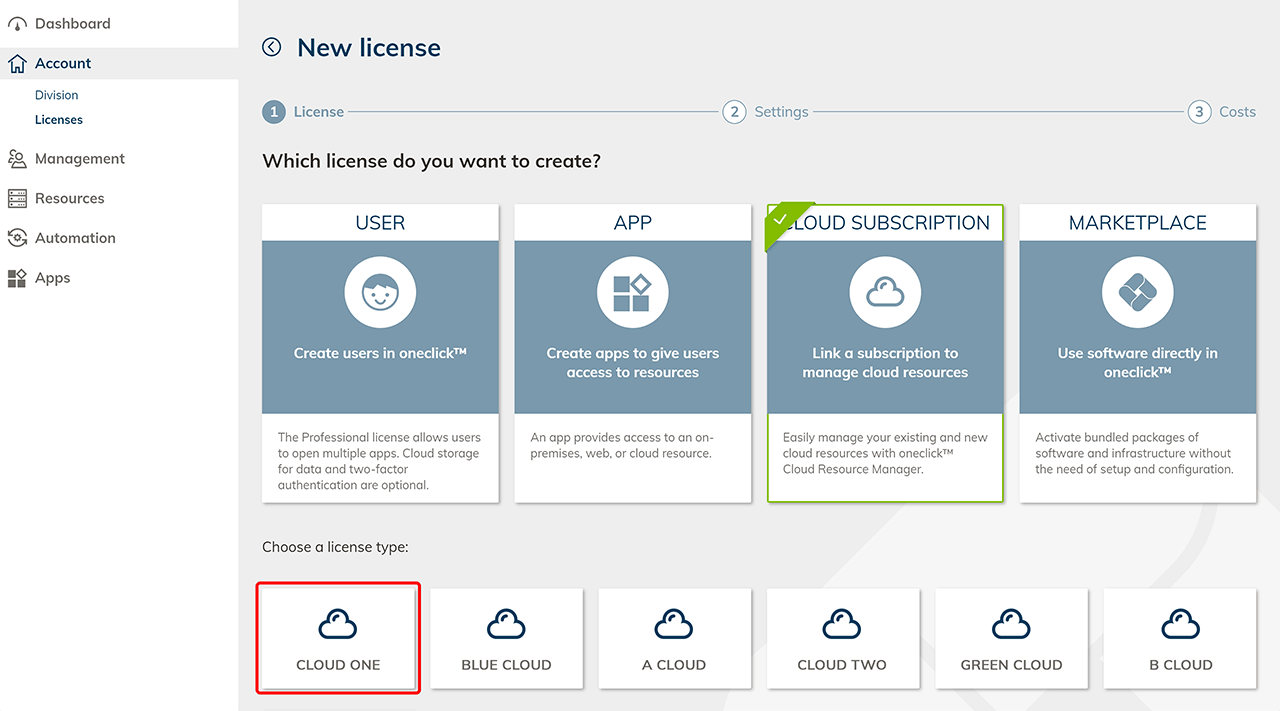
- Select the Cloud Subscription tile and click the required cloud provider.
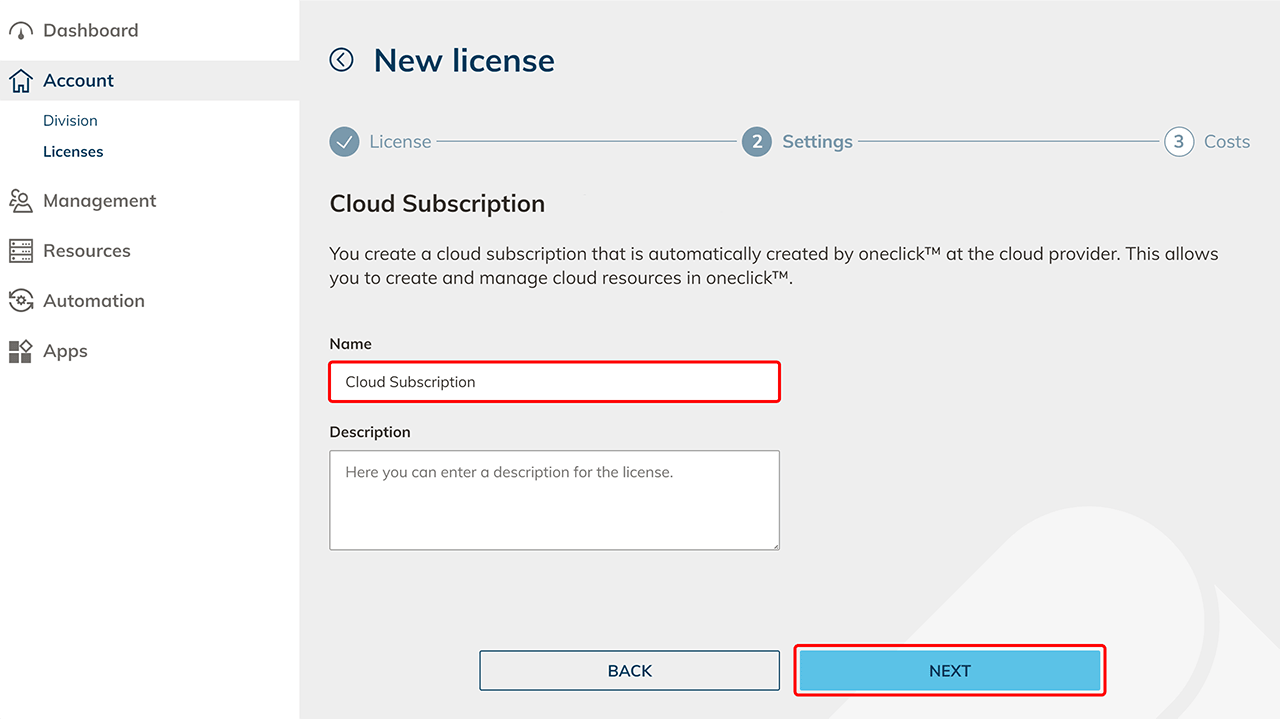
- Assign a name for your license and click Next.
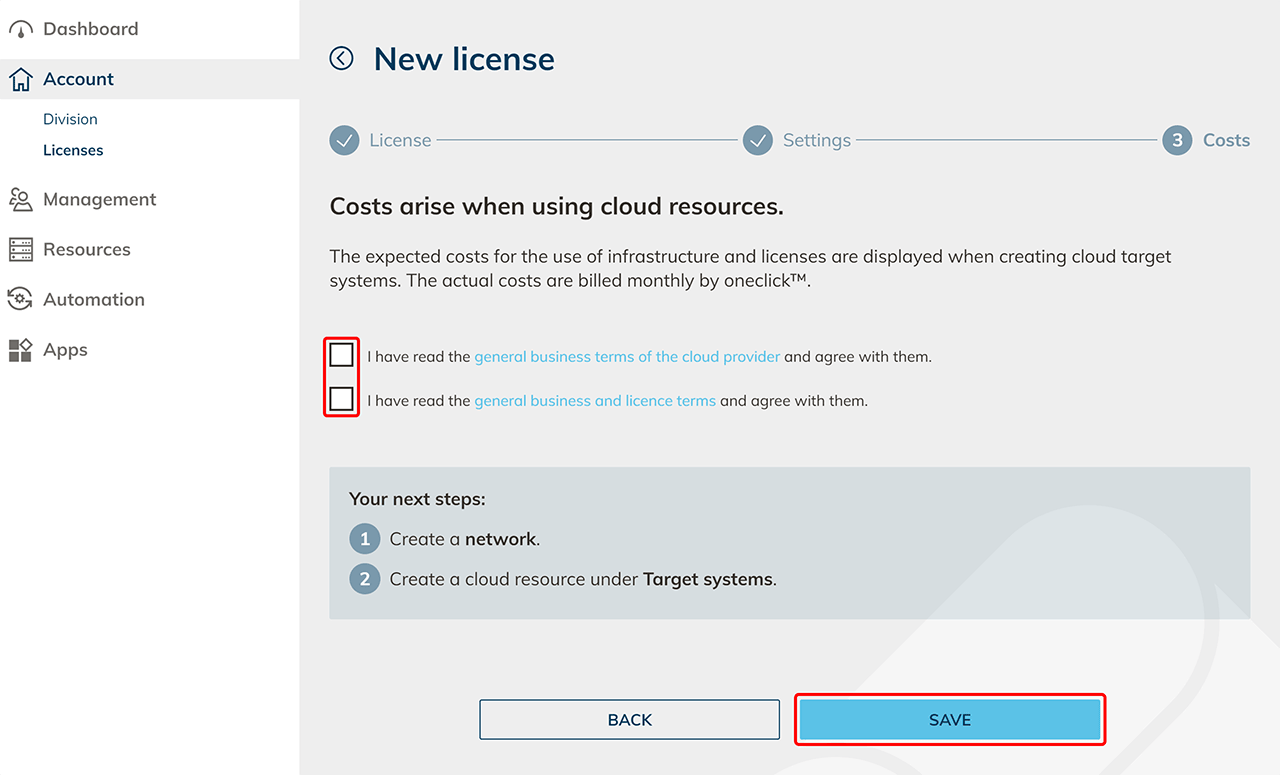
- Accept the AGLBs and confirm them by clicking Save.
- Now create cloud resources.